
Skip to content
KaptureAI
Multimodal field intelligence · Offline by design

Make every field inspection easier to finish.

Capture a finding, say what matters, and hand over a clear record in minutes. Kapture keeps the paperwork out of the walkthrough—and protects the evidence if the signal disappears.
Offline ready/On-device protection/✓ Human verification required
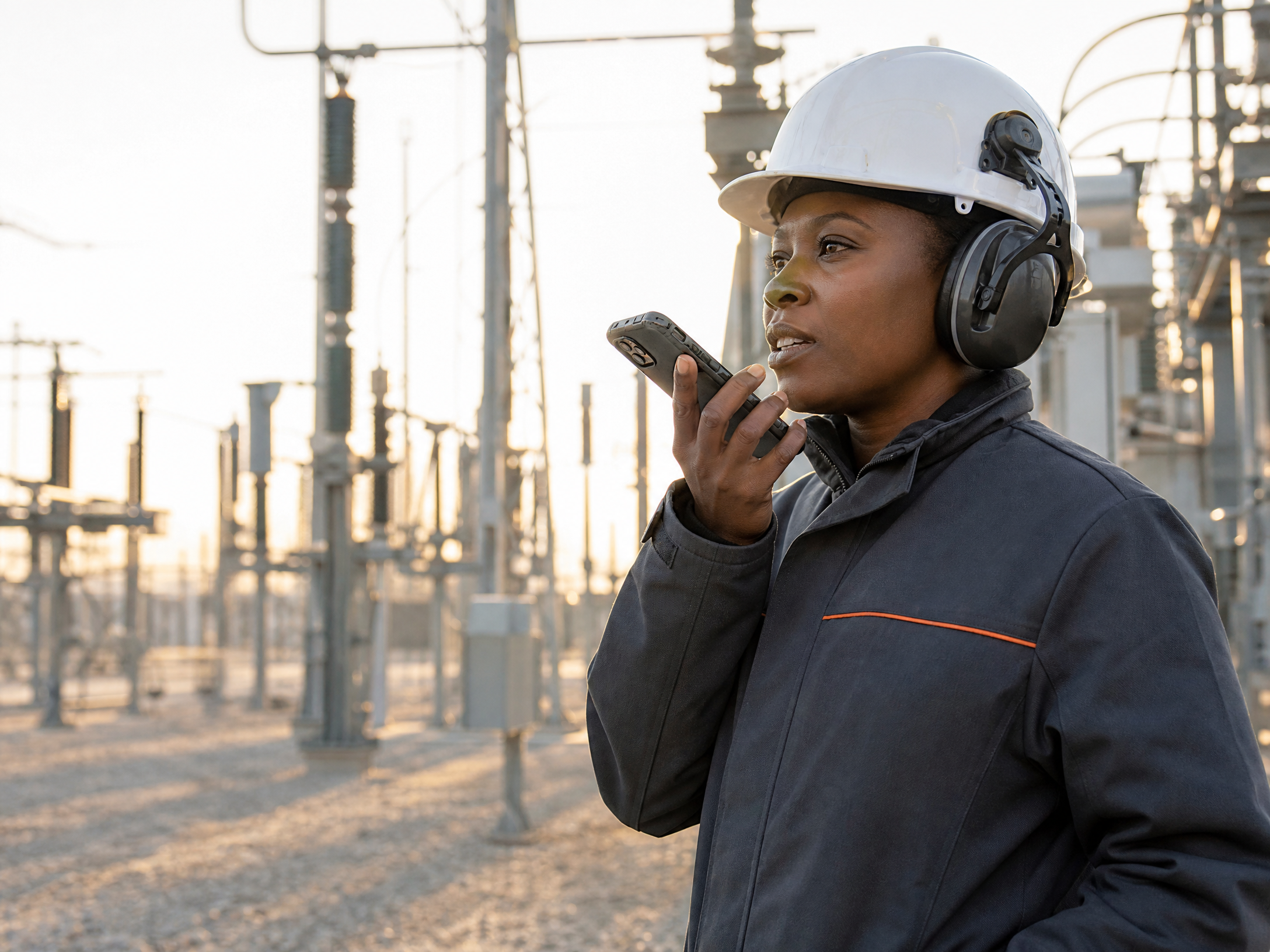
Field inspector speaking a note into her phone at an electrical substation
Offline-first PWAKeep capturing when the bars disappear.
Encrypted on deviceEvidence stays protected in the field.
Human-verified recordsPeople remain in control of the final call.
Export-ready reportsMove evidence into the workflow that follows.
Multiple conditions. One clear workflow.

One platform. Several hero-worthy use cases.

Kapture adapts to the place, asset, and decision. The record stays simple enough for a field walk and useful enough for the team that follows.
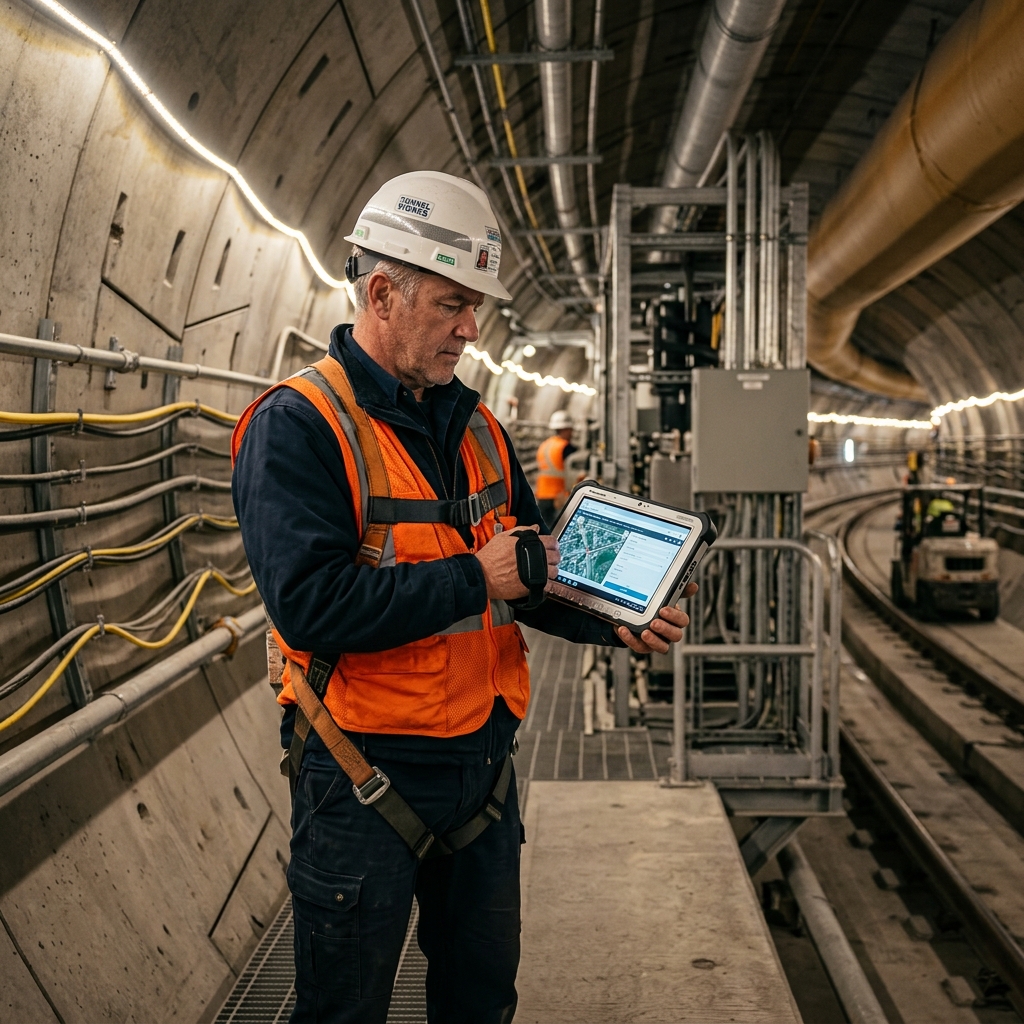
Building inspection example
Use case 01 / Property & facilities

Turn a site walk into a record people can act on.

Capture room detail, voice context, and a clear action while the inspector is still standing in front of the issue.

Run this workflow in your own workspace
Asset
Unit 408 · kitchen
Finding
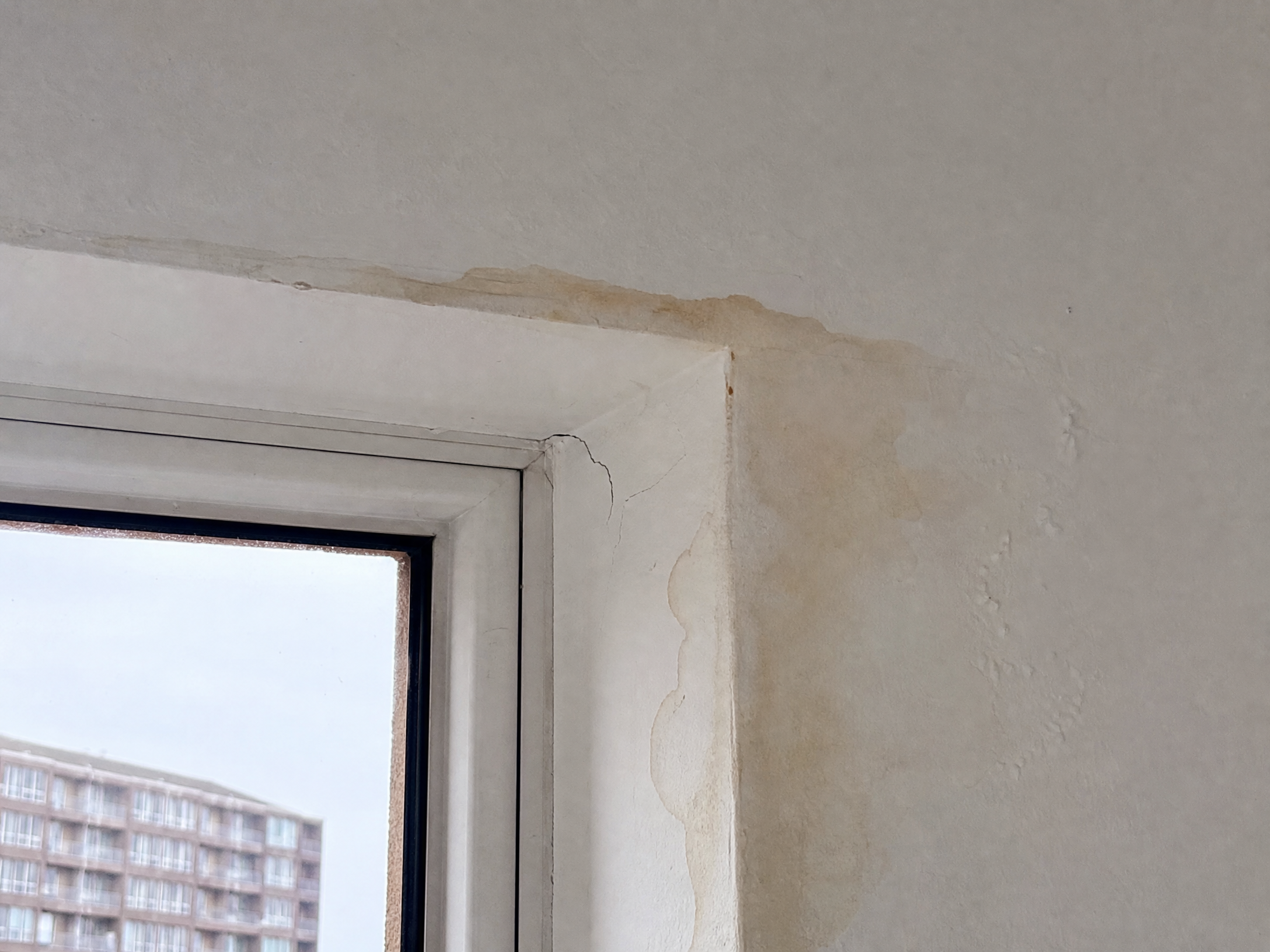
Window-head moisture ingress
Action
Send to maintenance review
01 / Capture in the field

Start with what the inspector actually sees.

On a Building Inspection, the app records the evidence in the moment: a photo, spoken observation, room context, and the session it belongs to.

The phone session captures the detail before the walkthrough becomes a report-writing task.
Field archive / session 01Capture in the moment
‹Field sessionactive
Unit 408 · turnover inspection4 captures · active
All 4Photo 1Voice 1Details
Representative photo · 10:42Representative Building Inspection moisture evidence
Window-head moisture ingress Photo
Voice note · 10:43

“Moisture ingress above the kitchen window.”

RoomKitchen · north wall
ConditionMoisture ingress
SeverityMedium
Assigned tradeWindows + waterproofing
Unit 408 · kitchenSaved offline

Capture chain / photo · voice · locationThe record gains structure while the inspector is still in the room.

02 / Review in the web app

One field record. Multiple evidence streams.

The reviewer sees an Infrastructure session as one structured workspace: form answers, supporting captures, asset context, field activity, and the decision to approve or send it back.

This is a web-review scene, not a scaled-up mobile UI. It follows Kapture’s review queue, answer panels, evidence thumbnails, and approval model.
Kapture web · reviewerSubmitted
Review queue / structural condition assessment

Westbourne Bridge · Pier 17

18 minutes in the field · 4 captures attached
4fields3captures
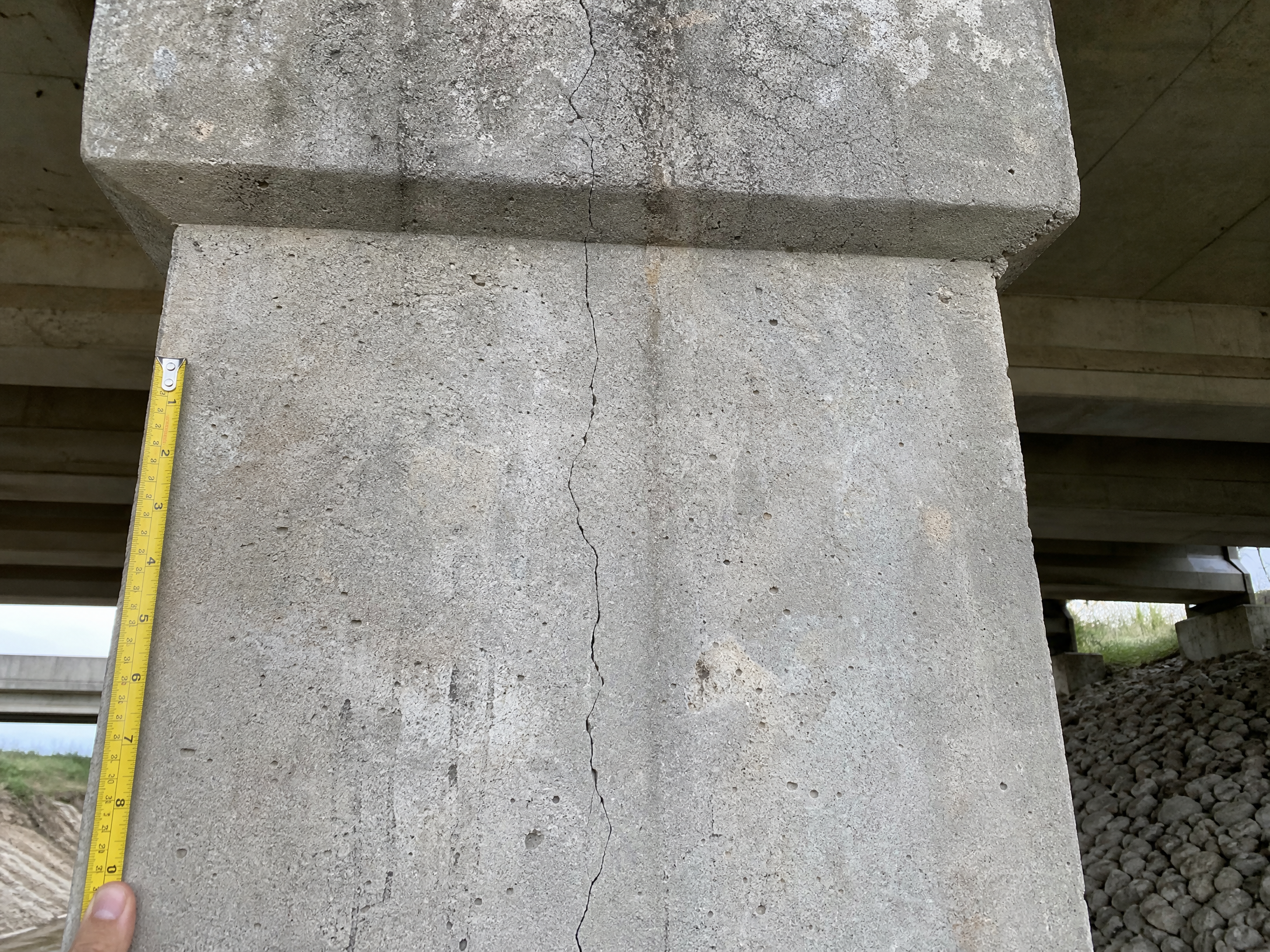
Representative bridge pier evidence
Representative photo captureConcrete pier · west span
Surface condition
Surface crack requires measurement
Asset / location
Pier 17 · west span
Recommended action
Create structural review
03 / Pre-submit in Utilities

Utilities work does not wait for a perfect signal.

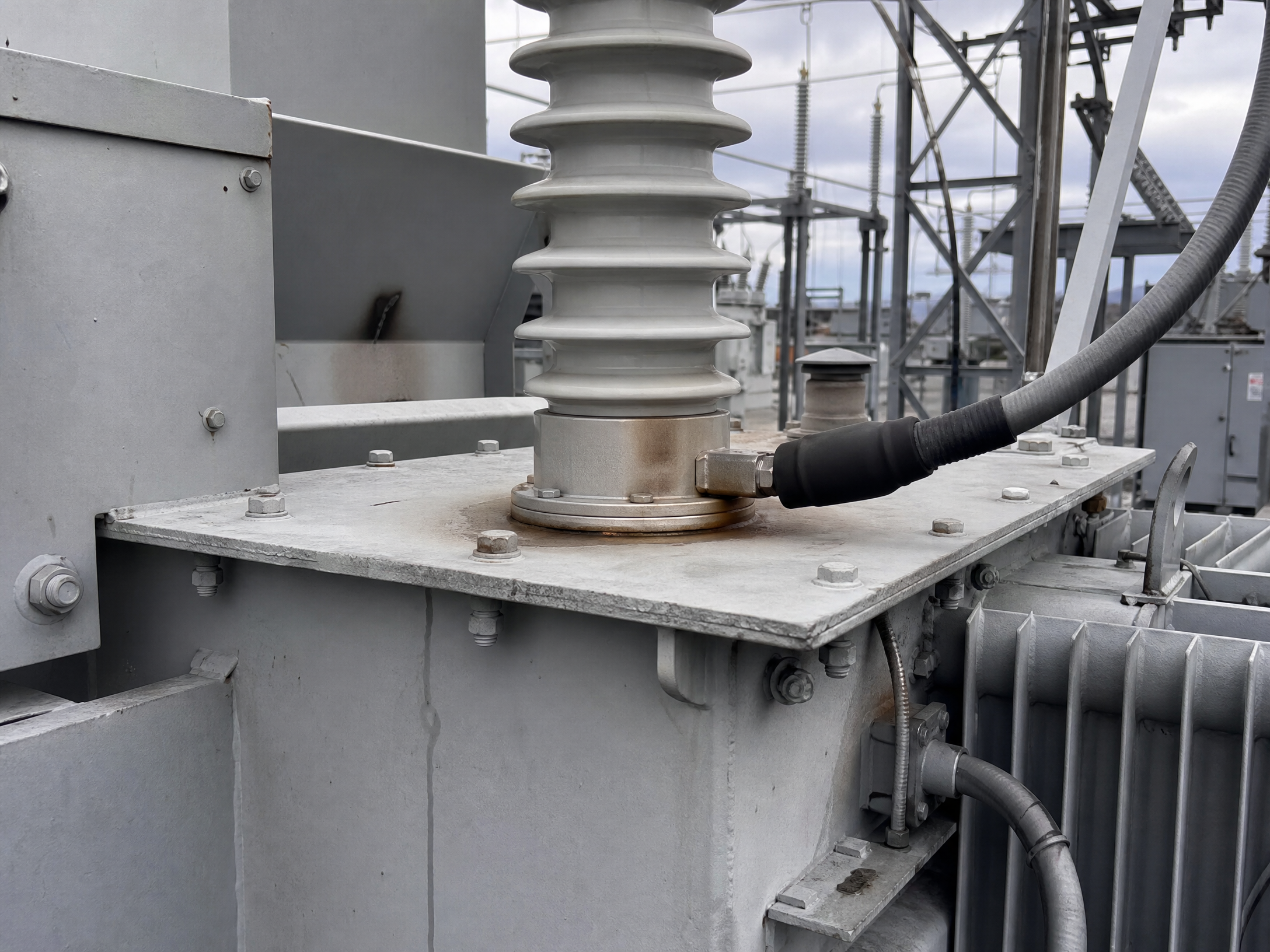
Before submission, Kapture makes readiness visible: required fields, capture count, asset match, and unresolved conflicts all stay on the device.

A crew can finish the session in a dead zone and hand off a trustworthy record the moment service returns.
‹Reviewactive
Ready to submit
5/5fields4captures0conflicts
Transformer B-04 · north yard
Representative transformer bushing evidence
Representative photo, voice, barcode, and GPSSync queue clear · ready for reviewer
Equipment conditionComplete
Asset tag matchedComplete
Sign & submit

Utilities pre-submitThe phone checks readiness before a record reaches the review queue.

04 / Evidence, not noise

A report that knows where it came from.

Kapture connects the raw observation to the report, the asset, and the decision that follows. This is the difference between gathering data and creating operational evidence.

Offline ready/On-device protection/✓ Human verification required
01 / LocateAnchor every observation to the right asset.
02 / UnderstandStructure the finding while its context is still fresh.
03 / ActRoute a record people can trust and verify.
Put your existing workflow through it
05 / Value in the workflow

Give the reclaimed time a job to do.

Estimate the capacity you could redirect from report preparation to actual field work. This is a planning view, not a commercial quote.

Illustrative annual capacity5,729 hrs

Potentially redirected from manual reporting, using a 62% time-recovery scenario across 220 working shifts.

Planning value equivalent$275,000Illustrative at $48/hour.
Start today

Run one real job through it.

Open a workspace, capture a site offline, and read the record it writes back. 7 days, up to 3 users, no card.

Start 7-day free trial See what it costs after No card. The AI allowance is a hard cap, so a trial cannot run up a bill.
Scale & Enterprise

Bigger deployments get a conversation.

Data residency, SSO, retention, and deployment requirements do not fit on a plan card. Bring one real field workflow and we will map it against them.

Concept form only. Connect this form to your CRM and calendar before launch.