
Features · Kapture workspace
From field session to reviewed decision.
Kapture lets teams shape the form, run field sessions, review submitted work in context, and keep the record useful for operations after the decision.
01 · Shape the work
Configure what the field team needs to record.
Build a template from sections and fields, then use the preview to understand what the inspector will see on the phone. Required inputs, options, units, and field order stay part of the working form.
See a building workflow →02 · Run sessions with context
Keep the session connected to the work around it.
Sessions live inside the operational workspace with project context, ownership, status, duration, and the captures recorded against them. The session remains useful from its first field entry through review.
03 · Review submissions
Decide from the record that was actually submitted.
The review workspace keeps the form in its original order and makes missing required fields, captured media, activity, and the approval decision visible in one controlled view.
Try it on your own review queue →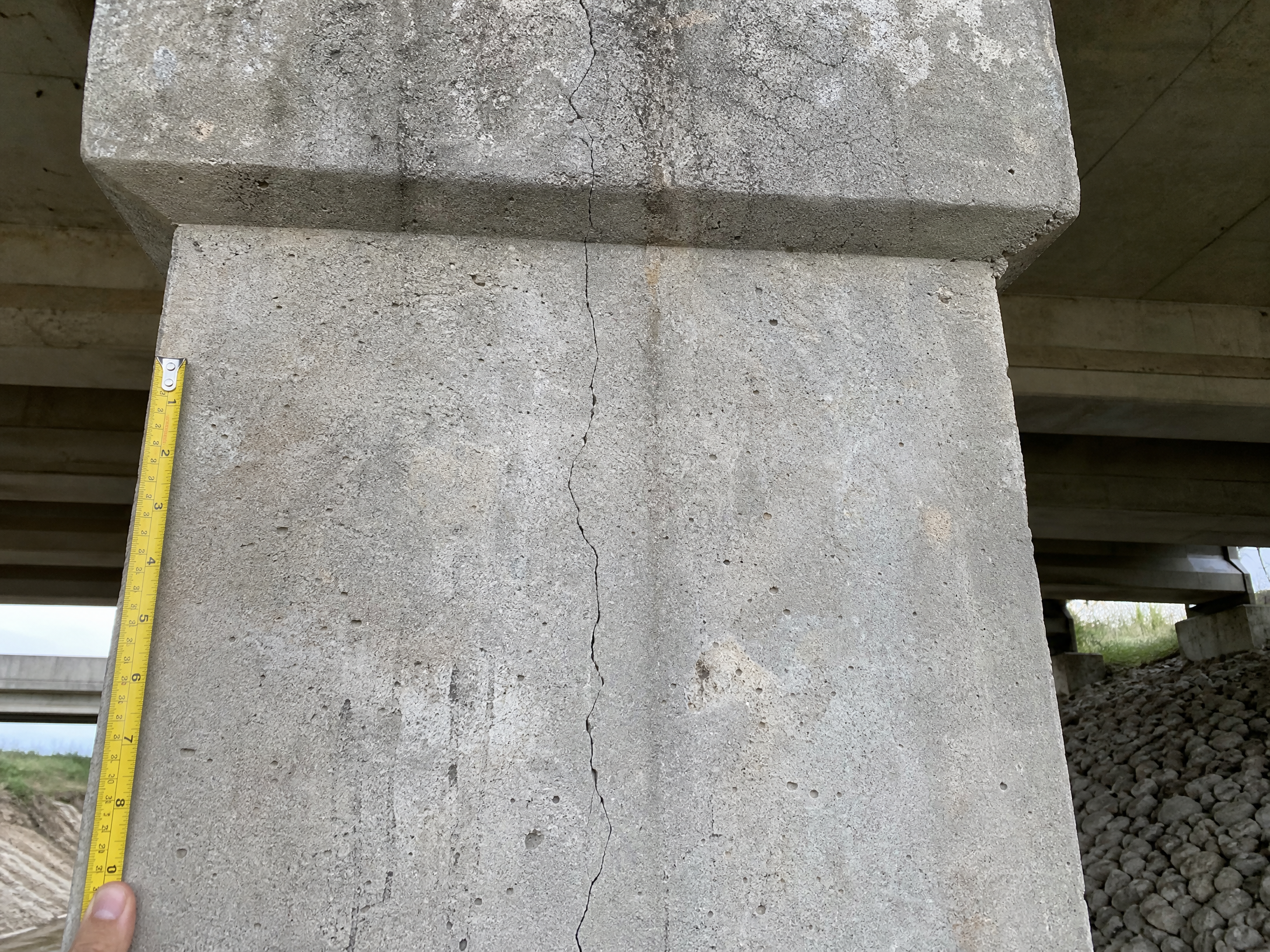
04 · Retain operational control
Find, export, and govern the record after review.
Managers can keep work visible across projects and sessions. Analysts can search the workspace, inspect usage, and queue CSV or JSON exports. Owners can control retention windows for sessions, captures, exports, and audit records.
Discuss data controls →Make the record fit the work
Bring your form, review path, and data controls into one workflow conversation.
Start free trial →Talk to sales →Preview contextRepresentative product previews reflect confirmed workspace concepts. Configuration and availability should be confirmed for your operation.